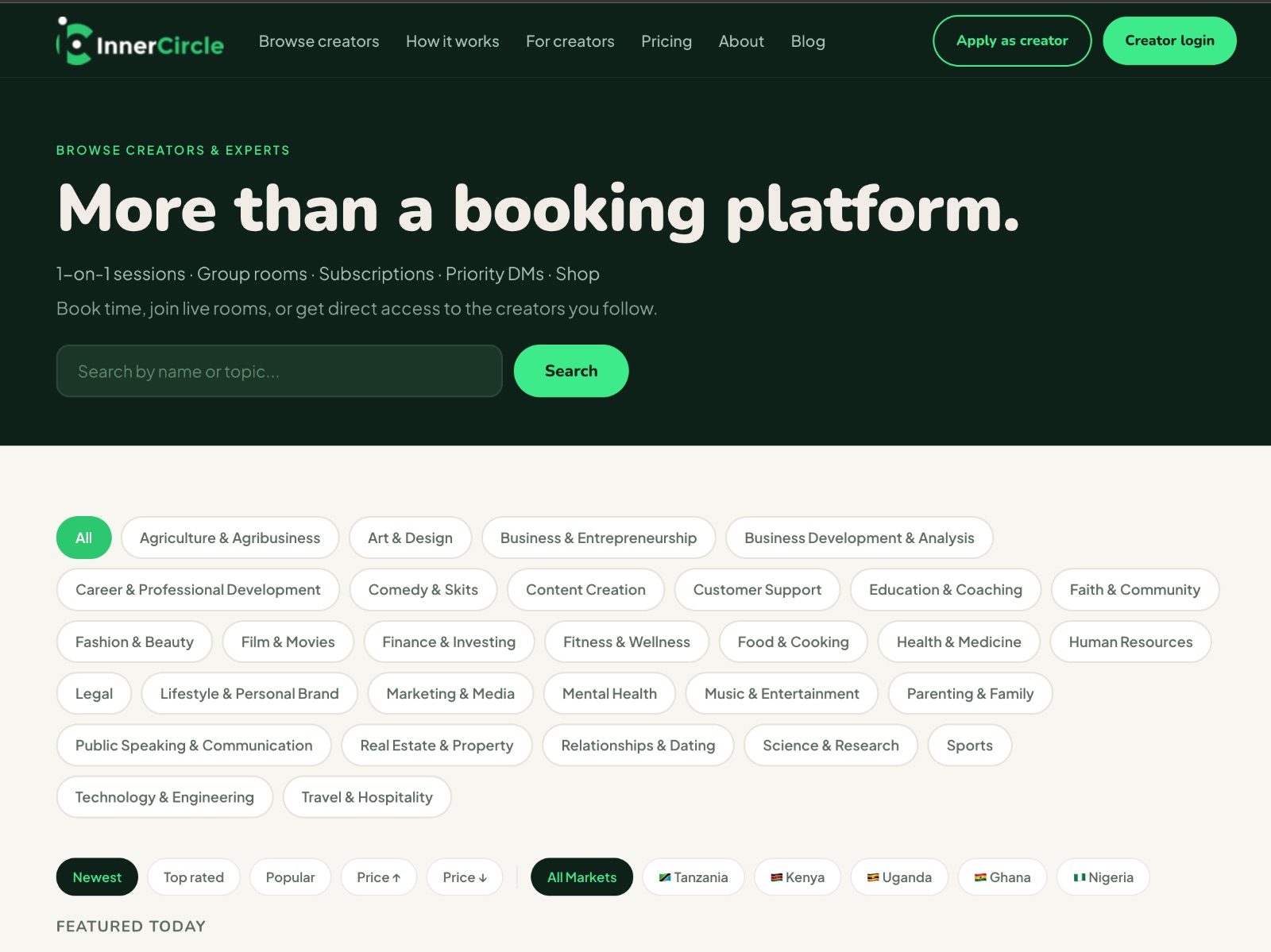
So you have found a creator on Inner Circle and you want to book a session with them. Or maybe you are a creator who just got approved and you are wondering what happens next. Either way — this post walks you through exactly how it works, from registration to the moment your session ends.
It is simpler than you think.
For Fans — How to Book a Session
1. Find your creator
Every Inner Circle creator has a profile link — something like joininnercircle.vip/[handle]. You can get to a creator's profile by clicking their link in their Instagram bio, their tweets, or anywhere they have shared it. You can also browse approved creators at joininnercircle.vip/browse.
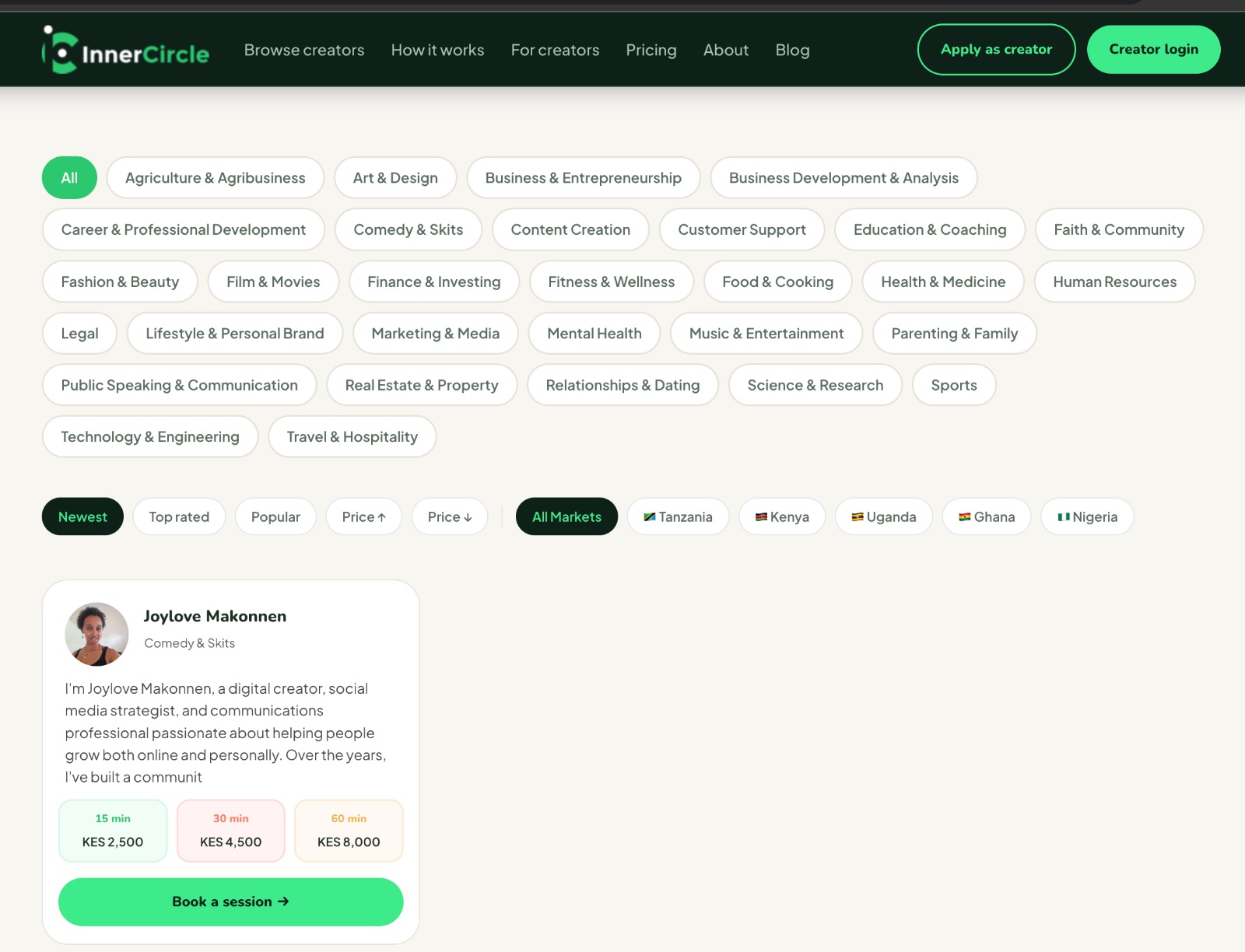
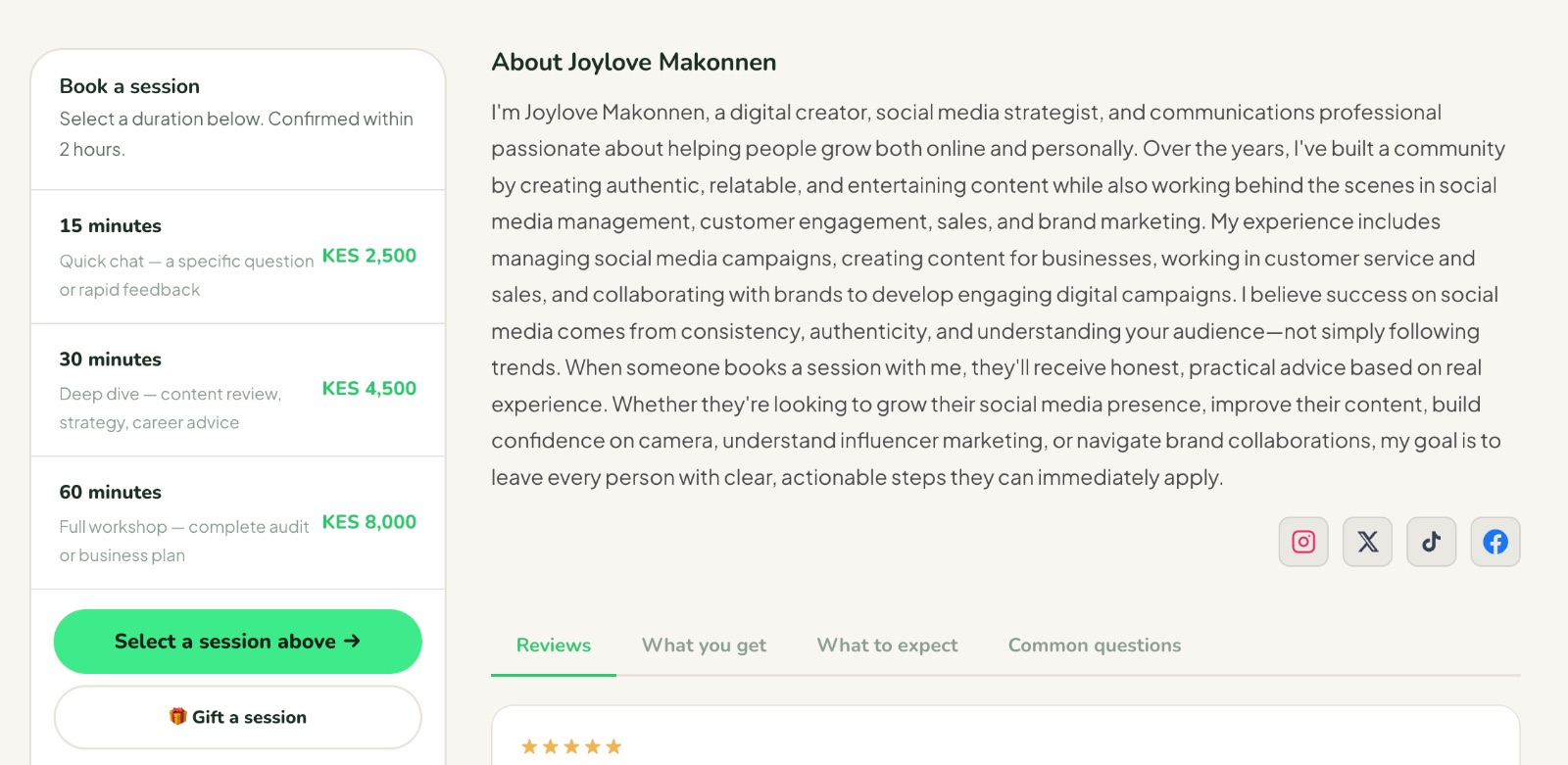
Each profile shows you what the creator offers, their session prices, their availability, and a little about who they are and what they do.
2. Pick your session type
Most creators offer three session lengths:
15 minutes — a quick, focused conversation
30 minutes — the most common choice for a meaningful exchange
60 minutes — a deep dive
You will see the price for each clearly on the profile. Prices are set by the creator in their local currency — so if you are in Kenya, you will see the price in KES. If you are in Nigeria, you will see it in NGN. No conversions, no confusion.
3. Pick a time
Creators set their own availability. You will see open slots on their profile — just pick a time that works for you. All times are shown in your local timezone.
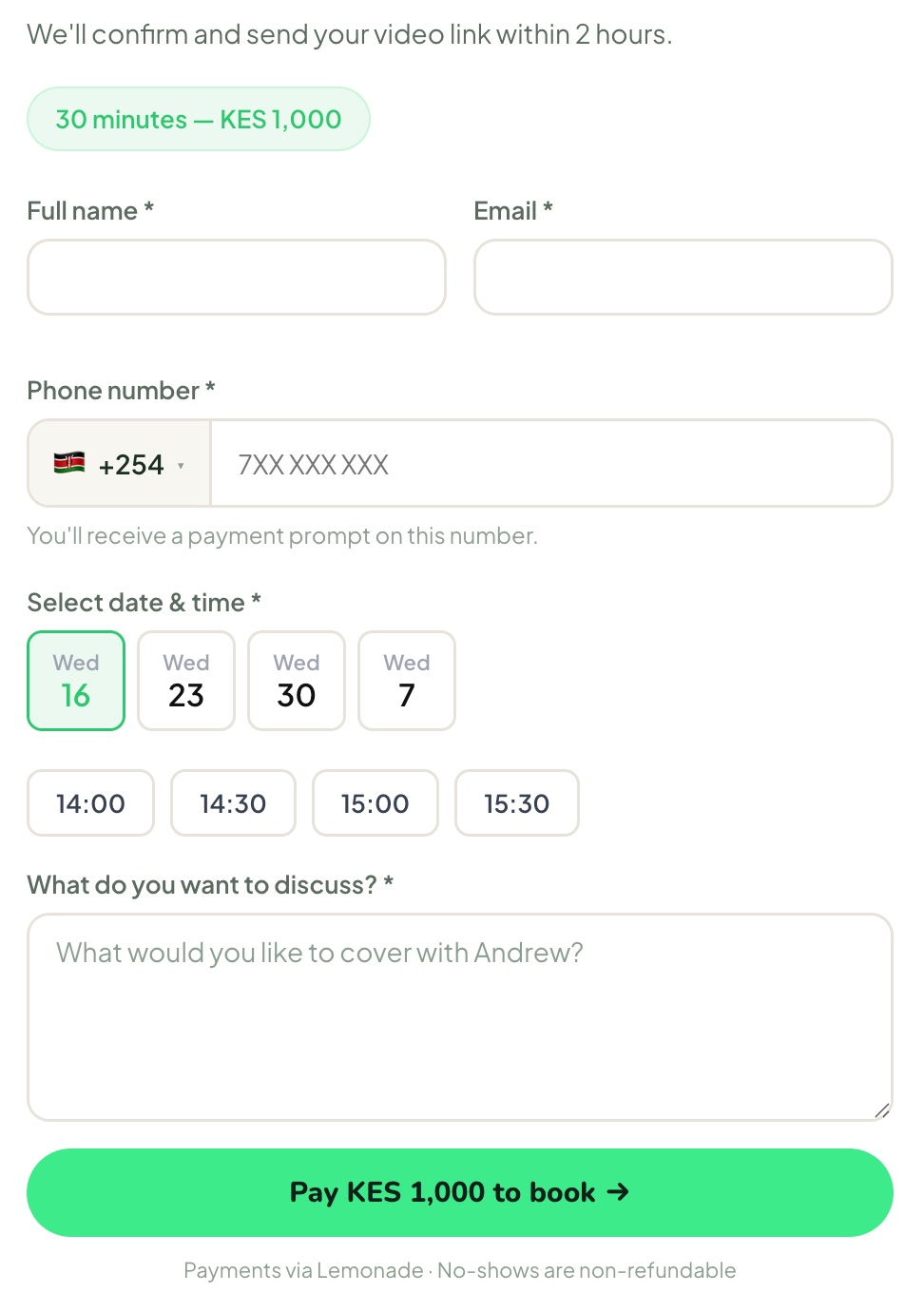
4. Pay via mobile money
Once you select a time, you will be prompted to pay. Inner Circle uses mobile money — M-Pesa, MTN MoMo, Airtel Money, or whatever the dominant mobile money provider is in your market. You do not need a bank card. You do not need PayPal.
You will get a payment prompt on your phone. Confirm it. That is it.
5. Receive your confirmation
Once your payment goes through, you will receive a confirmation by email with everything you need — the session time, the link to join, and a reminder closer to the time. The creator gets notified at the same time.
6. Join your session
At the scheduled time, click the link in your confirmation email. Your video session opens directly in your browser — no app download required. Just show up, and have the conversation.
What happens if the creator does not show up?
If a creator misses your session, your payment is automatically refunded. No dispute. No waiting. The refund goes back to the mobile money number you used to pay.
For Creators — How to Get Started and Run Your First Session
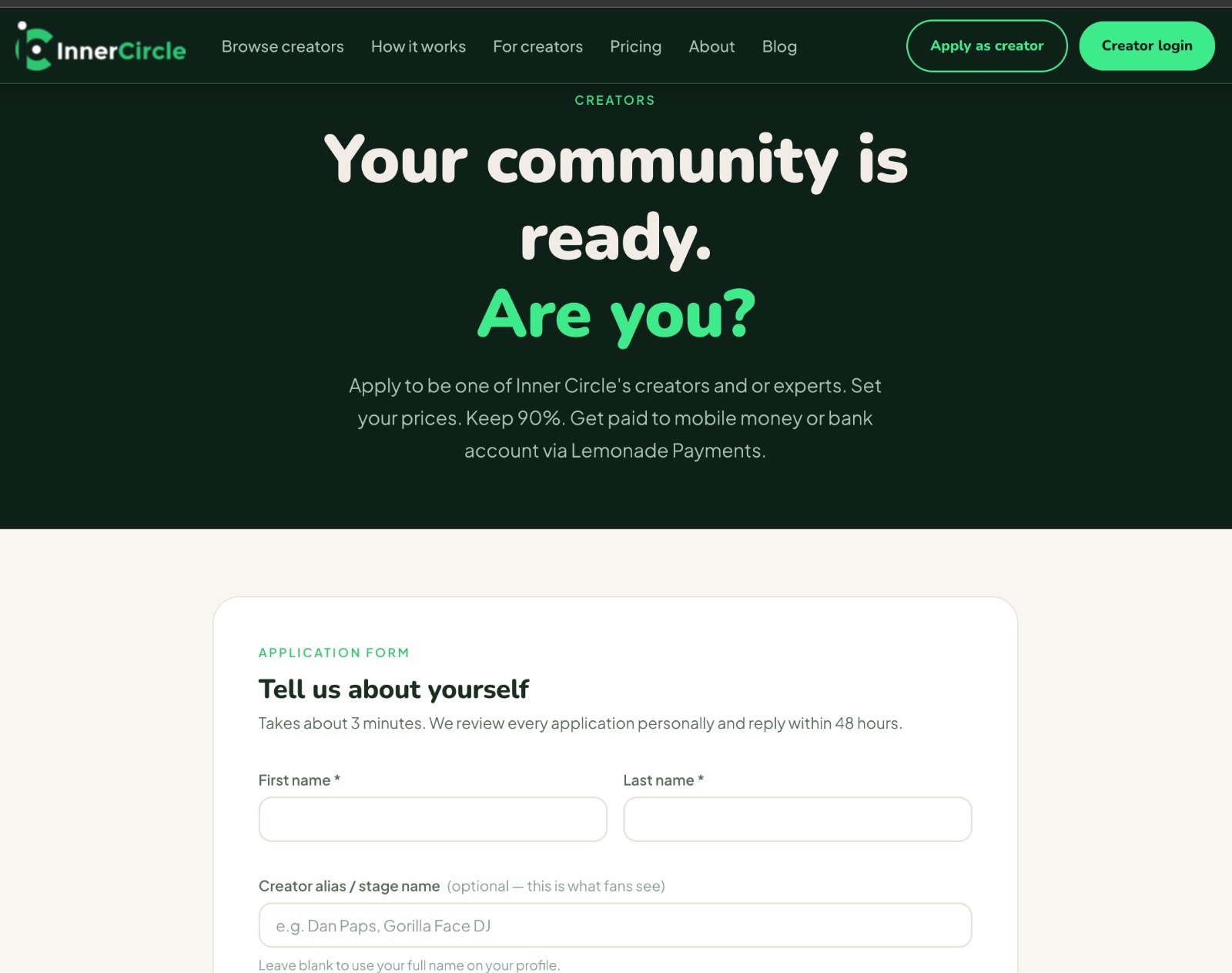
1. Apply
Go to joininnercircle.vip/apply and fill in your application. We review every application personally — we are looking for creators and experts with a real audience and something genuine to offer. If you are approved, you will hear from us by email.
2. Set up your profile
Once approved, you will be guided through setting up your profile:
A short bio — who you are and what a session with you offers
Your session prices — you set these yourself, in your local currency
Your availability — the days and times you are open for sessions
Your payout details — your mobile money number, so you can receive payments
Take your time with the bio. It is the first thing a fan reads. Make it honest and specific.
3. Share your link
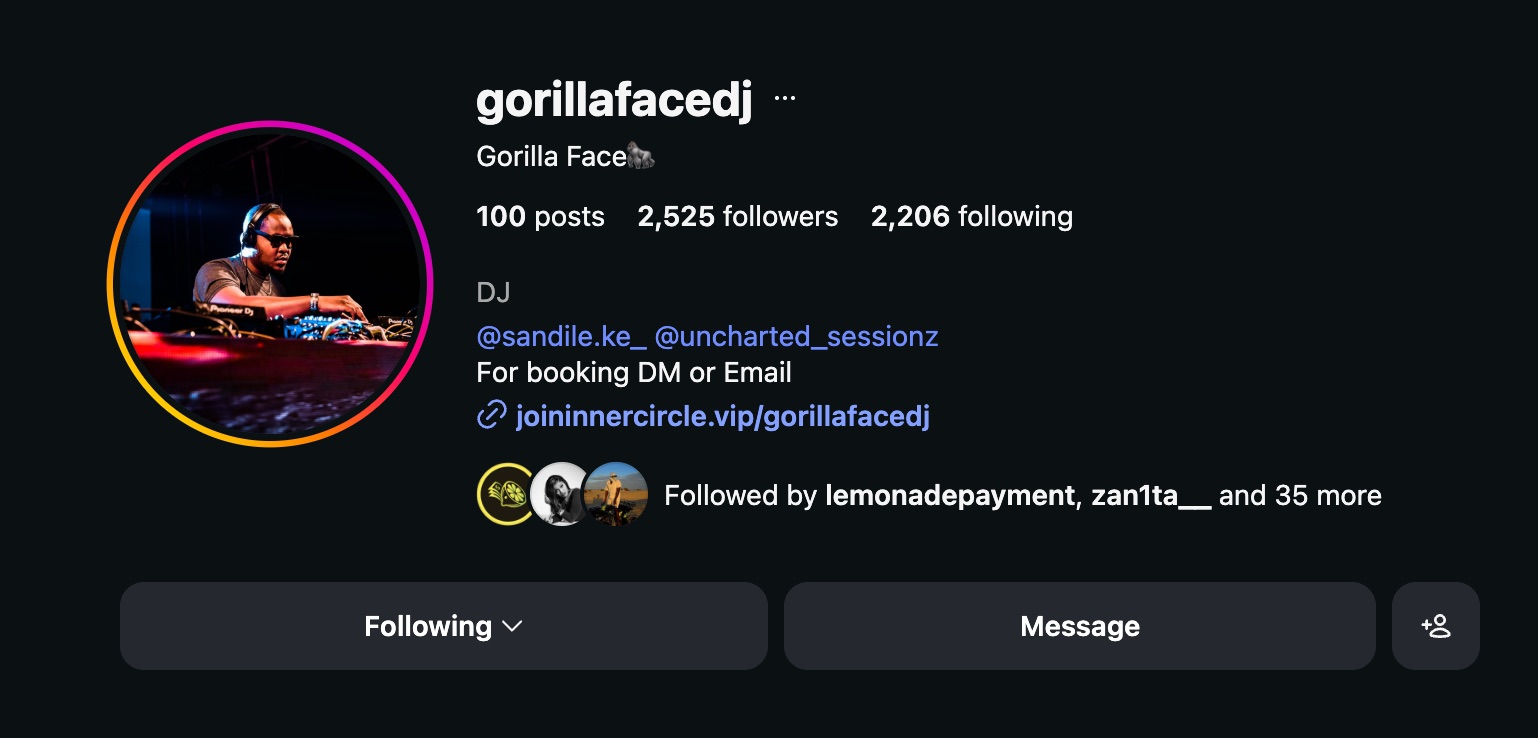
Your profile is live the moment you complete setup. Your link is joininnercircle.vip/[yourhandle]. Share it wherever your audience is — Instagram bio, TikTok description, Twitter, WhatsApp. That link is your storefront.
4. When a session is booked
You will receive an email confirmation when a fan books a session with you. The fan has already paid — the money is held until the session is completed. You will also receive a reminder before the session starts.
5. Run the session
At the scheduled time, click the join link in your confirmation email. The video room opens in your browser. Run the session as you normally would — a conversation, a coaching call, a consultation, whatever it is that you do.
6. Get paid
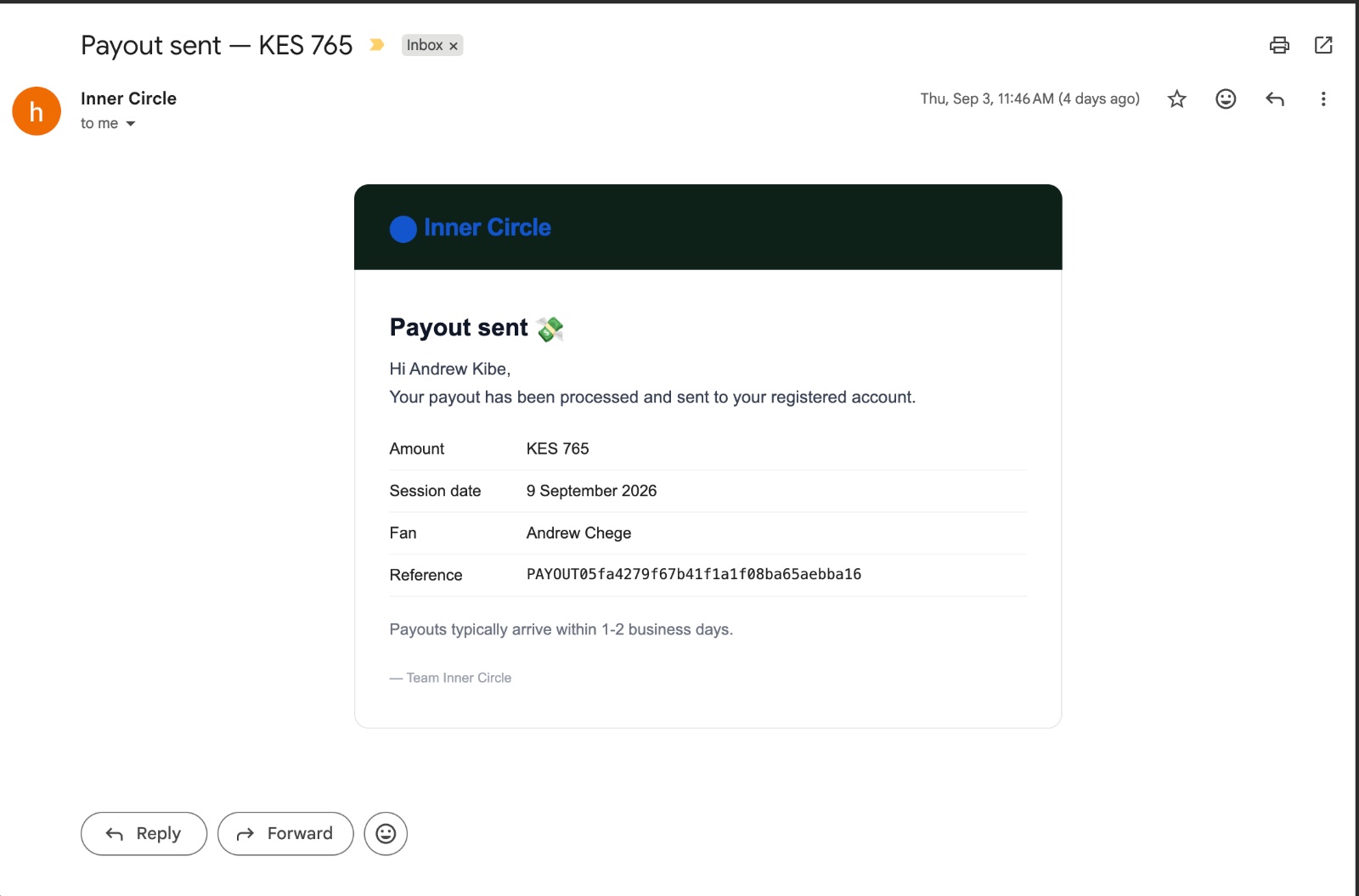
When the session ends, your payout is triggered automatically. The money lands in your mobile wallet — same day. You do not have to request it, chase it, or fill in any additional forms. It just arrives.
A Few Things Worth Knowing
You keep 90% of every session fee. Inner Circle takes 10% as a platform fee. No hidden charges, no monthly subscription required to earn.
Sessions happen on video, directly in the browser. No Zoom. No Google Meet. No separate app. The video room is built into Inner Circle and opens with one click.
Fans cannot book you for slots you have not opened. You are always in control of your availability. If you are not open, no one can book you.
Every transaction is protected. Fans get an automatic refund if you do not show up. You receive your payout when you do. The system enforces both sides automatically.
Ready?
If you are a fan — find someone whose work you respect and book 30 minutes with them. The conversation you have been meaning to have is one payment away.
If you are a creator — apply here. If you are already approved, log in and set up your profile.
Inner Circle · joininnercircle.vip